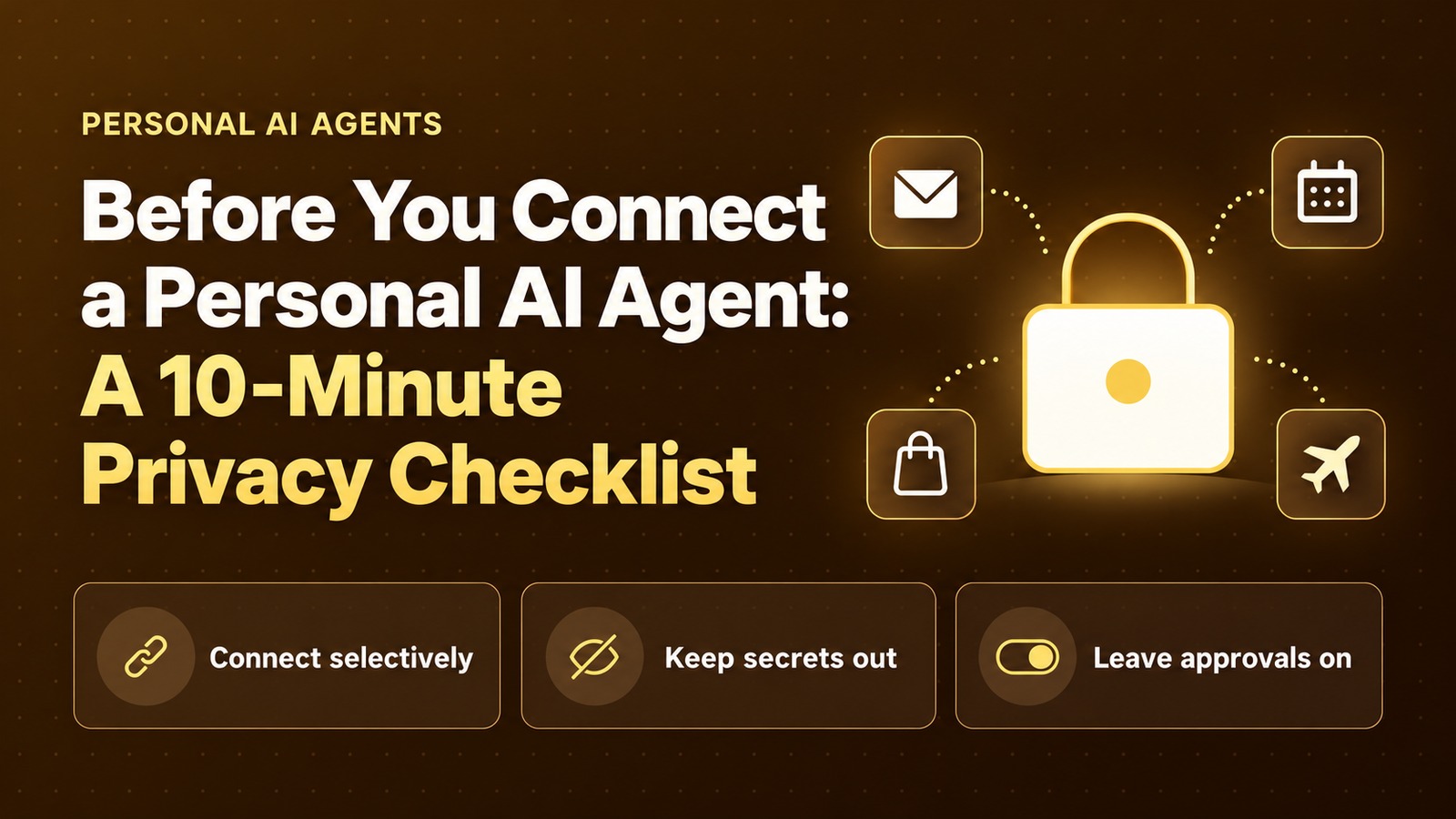
Before You Connect a Personal AI Agent: A 10-Minute Privacy Checklist
Before a personal AI agent touches your mail, calendar, shopping or travel apps, run this checklist: what to connect, what to keep out and which approvals to leave on.
Introduction
Agent launches keep drawing privacy scrutiny. Use that as a prompt to set your controls before you connect anything important. This checklist is our routine for any personal agent that can reach mail, calendar, shopping or travel, and it takes about 10 minutes.
One documented control model helps set the floor: Meta’s Muse announcement describes a personal agent that connects to apps, runs on a Muse Secure VM (a dedicated cloud computer that stores data and credentials for connected services while keeping passwords and payment methods out of the agent’s view), lets the user choose access, and checks with you before sensitive actions such as sending email or making a purchase. That Secure VM wording is Muse’s claim — not a universal architecture for every agent. Meta says Muse is free for most of what people need, with subscription plans for people who want to do more (our AI bots guide lists the plans).
The short version
- Connect only what you need this week. Skip every marketplace on day one.
- Leave send / purchase / share approvals on. Muse’s model checks before send and purchase — keep that bar even on other products.
- Keep passwords, OTPs and full card numbers out of the prompt — even when a vendor says the agent can’t see them.
1. Do vs Don’t
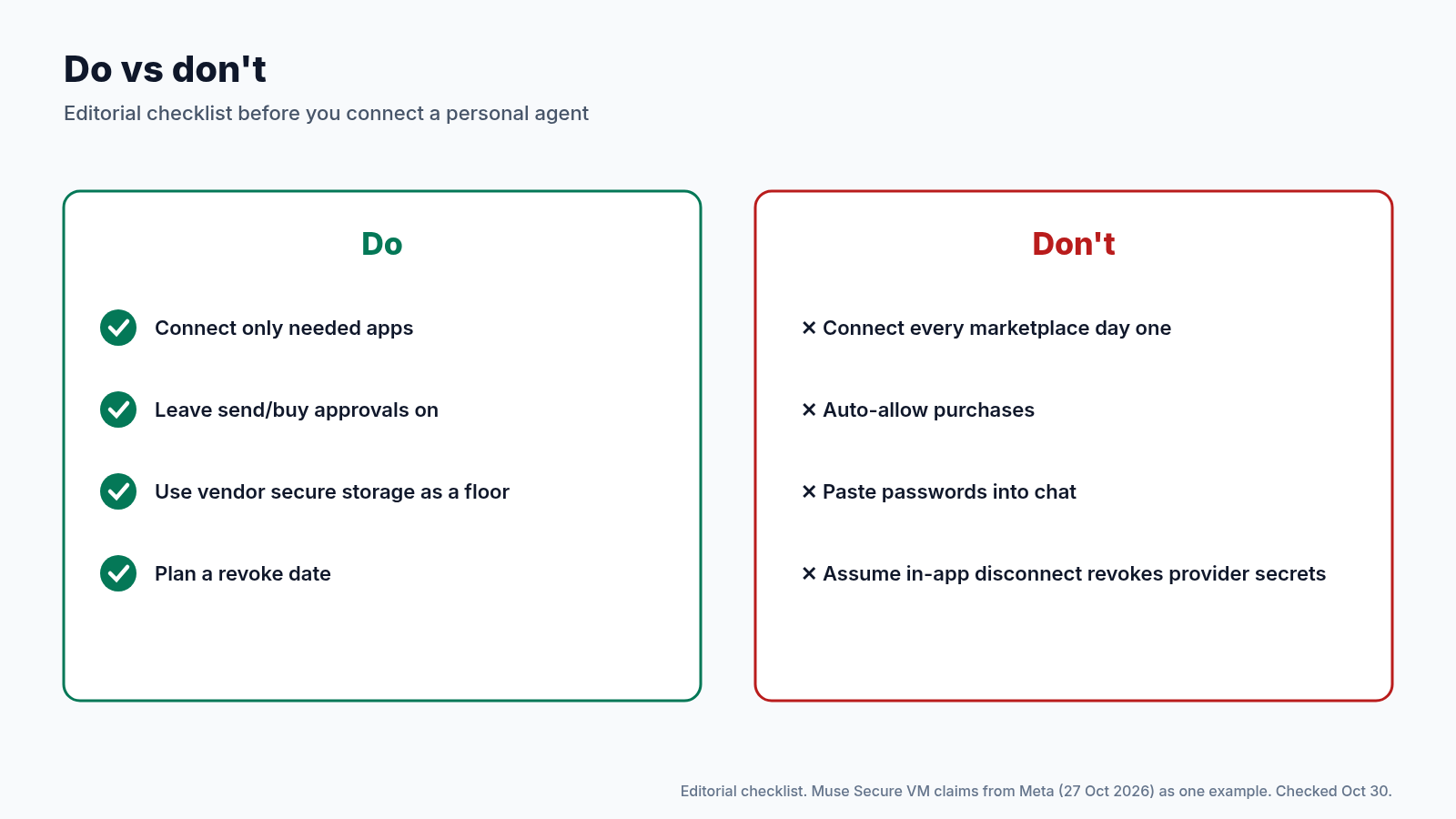
| Do | Don’t |
|---|---|
| Connect only needed apps | Connect every marketplace on day one |
| Leave send/buy approvals on | Auto-allow purchases |
| Treat vendor secure storage / VM claims as a floor | Paste passwords into chat |
| Plan a revoke date | Assume disconnect in-app revokes every secret at the provider |
2. The Eight-Check Pass (~10 Minutes)
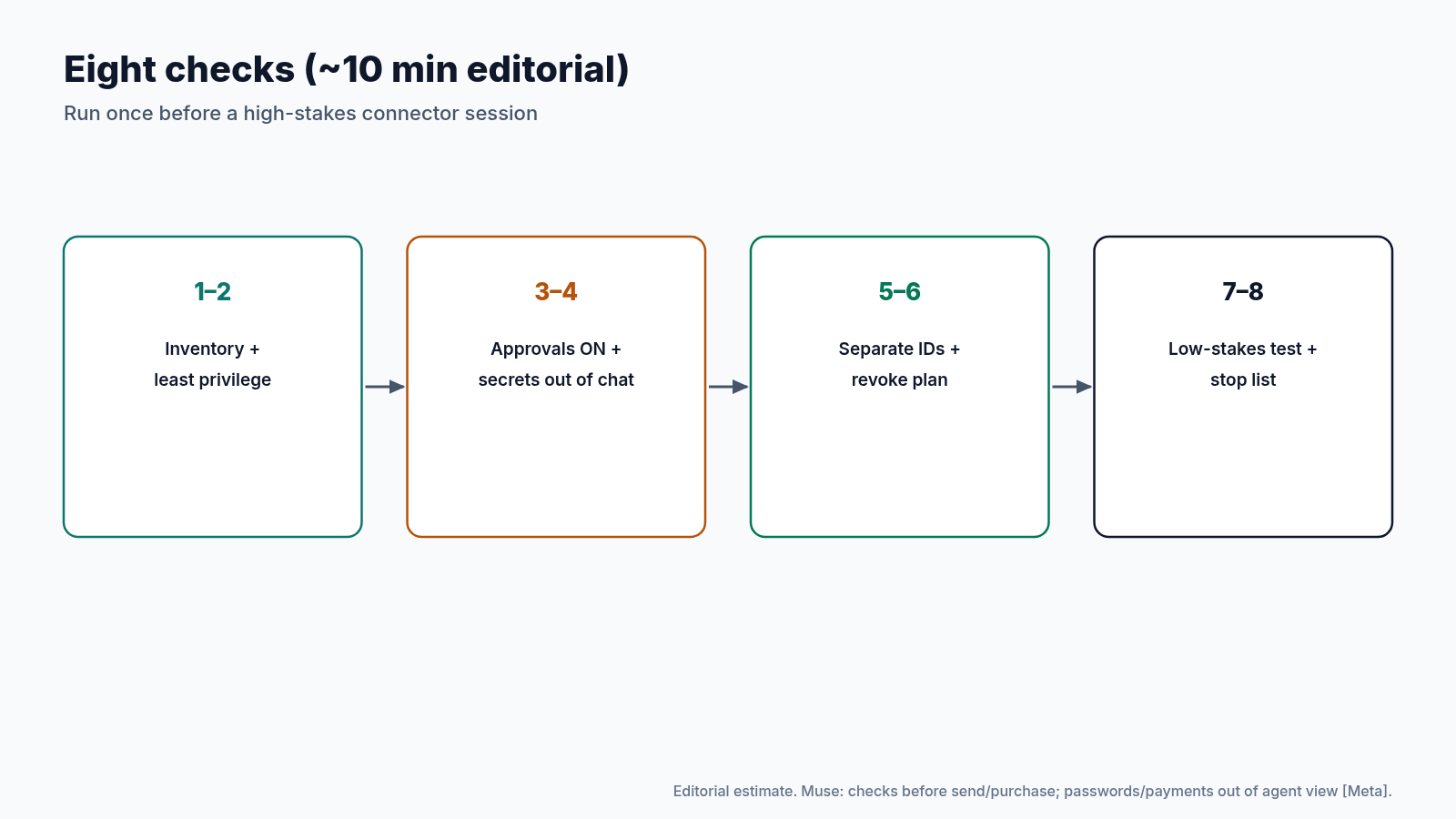
Step 1: Inventory connectors
List mail, calendar, shop and travel apps you might enable. Skip anything you don’t need this week.
Step 2: Prefer least privilege
Choose read-only where the product allows it. Never type payment details into the chat.
Step 3: Confirm approval gates
Send / purchase / share should be ON. Meta says Muse checks before send and purchase — keep Always Ask / approval cards on other agents too.
Step 4: Keep secrets out of the prompt
Passwords and payment methods stay in vaults and managers, not messages. Muse keeps passwords and payments out of agent view — still don’t paste them.
Step 5: Separate identities
Don’t connect work mail to a personal agent without employer policy.
Step 6: Write a revoke plan
Know where to disconnect connectors. Put a 30-day review on your calendar.
Step 7: Test with a low-stakes task
Read a calendar event or draft a reply you won’t send before you hand the agent a purchase or an external email.
Step 8: Keep a stop list
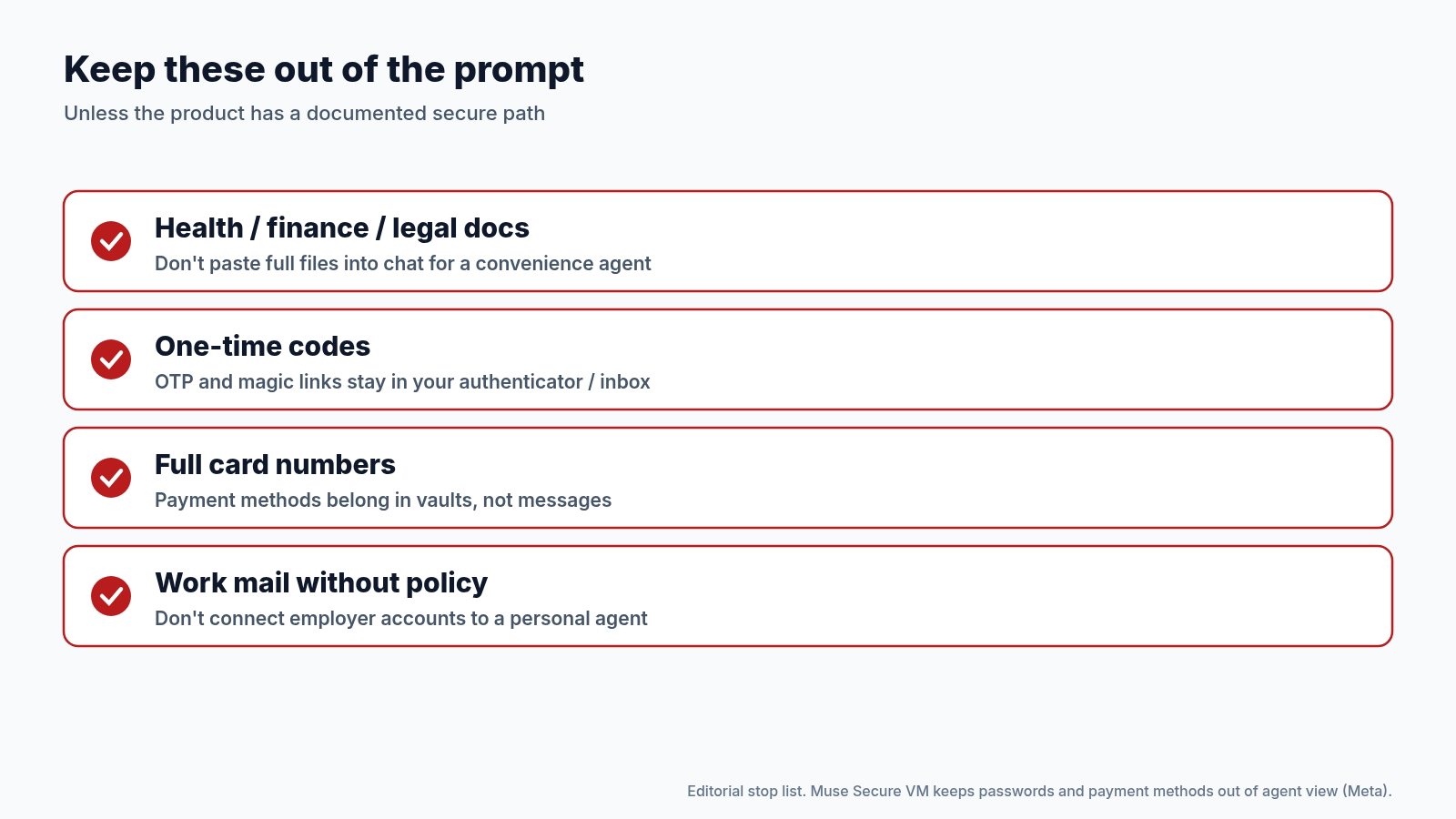
Health, finance and legal docs; one-time codes; full card numbers — keep them out of the prompt unless the product documents a secure path. When in doubt, leave them out.
3. Cross-Product Habits That Travel
Whatever agent you use, the same pattern shows up in our earlier guides to Grok Bot and ChatGPT dots: keep Always Ask / approval cards for send, buy and delete; don’t paste passwords into chat; revoke app-specific access when the job is done; separate work and personal accounts. Muse’s Secure VM and pre-action checks are one vendor’s implementation of that pattern — useful as a floor, not a reason to skip the checklist on other products.
For chat-level privacy (locked chats, share links, what never to paste), use our 15-minute privacy pass. For Grok Bot specifically, pair this checklist with our guides to setting up Vault safely and what to connect on your phone so credentials and calendar scope stay intentional.
4. After a Market Launch Week
When a vendor launches in a new market, local press often raises privacy alarms. Use that coverage as a reminder to run this checklist, then read the vendor’s own security and permissions pages. Rely on primary vendor wording for controls (Secure VM, approval gates, what the agent can see), and treat specific claims about exposed data as unconfirmed unless a primary investigation backs them.
Keep the scope in mind, too. A partner list for one market isn’t the global product story, and Muse’s Secure VM and pre-action checks are Muse’s documented model, not a claim that every personal agent uses a Secure VM.
If you already connected everything on day one, run the checklist backwards: turn approvals back on, revoke unused connectors, rotate any password you may have pasted, and schedule the 30-day review you skipped.
5. A Copy-Ready Checklist
Personal agent privacy pass (~10 min)
[ ] Connectors needed this week only: _______________
[ ] Read-only where available
[ ] Send / purchase / share approvals ON
[ ] No passwords, OTPs or full card numbers in chat
[ ] Work accounts stay off personal agents (or policy OK)
[ ] Revoke path known; 30-day review on calendar
[ ] Low-stakes test done before high-stakes task
[ ] Stop list reviewed (health / finance / legal docs)
Print it, paste it into your team wiki, or keep it as a page your agent is not allowed to edit without approval. The point is friction before connectors — not a false sense of safety after.
6. Family and Shared Devices
On a shared laptop or phone, personal agents with mail and shopping connectors are a household risk, not only a personal one. Use separate OS profiles where you can, keep approval cards on, and don’t leave a session unlocked after a purchase test. Revoke connectors before you lend the device. The Secure VM claim (where a vendor makes it) does not replace a locked screen.
If an agent offers a free tier for light use and paid plans for heavier use, still run the checklist — price tier is not a privacy tier.
Conclusion
Inventory what you’ll connect, prefer least privilege, leave send/buy approvals on, keep secrets out of the prompt, separate work from personal, schedule a revoke review, test low-stakes first, and keep health/finance/legal docs, OTPs and full card numbers off the table. Ten minutes now beats an awkward revoke later — and the checklist works whether your agent is Muse, a ChatGPT dot, Grok Bot or something else entirely.
Where to Go Next
- Meta: Muse is now available in Singapore (27 Oct 2026; the Secure VM and approval claims) → about.fb.com
- Keep Your AI Chats Private: Locked Chats, Share Links and What Never to Paste → Read the story
- Set Up Grok Bot’s Vault Safely: Saved Logins and Cards for Your Bots → Read the story
- Give Your AI Agent a Short Leash: 5 Permission Settings to Check Today → Read the story
Know someone about to connect mail and shopping on day one? Share this with them.